
7 Free Image tools
Image tools
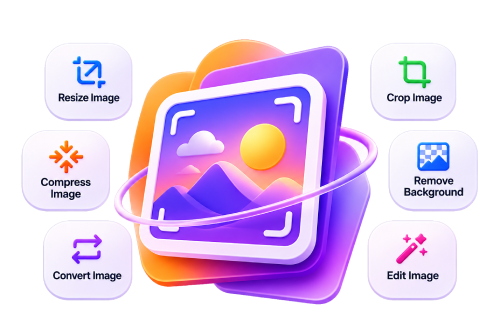
MondayKit image tools help you get photos and graphics into the exact shape, size and format you need. Compress JPG, PNG and WebP images to a target size in KB, resize them to exact pixels or social media presets, crop to square or 16:9, rotate and flip, convert between formats, turn iPhone HEIC photos into JPG, or encode an image as Base64 for code. Everything runs in your browser using your device’s own processor, so your pictures are never uploaded to a server. The tools are free, work on phones and computers, and need no account.
- 100% FreeNo hidden charges
- Privacy FirstFiles stay in your browser
- No SignupNo account or email needed
All image tools
Frequently asked questions
Do image tools reduce quality?
Only compression and lossy formats remove detail, and you control the quality. Resizing, cropping and rotating keep quality high.
Are my photos uploaded?
No. Images are processed on your device and never leave it.
Can I process several images at once?
Yes. Most image tools accept multiple files and give you a ZIP.
Which formats are supported?
JPG, PNG and WebP everywhere, plus HEIC, GIF and BMP as inputs in the relevant tools.
Need something else?
Search all free MondayKit tools – they all run in your browser.